

- Log into the ASA Community Platform.
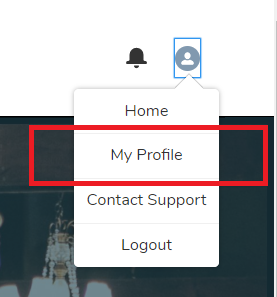
- Click on your profile icon at the top right.
- Click “My Profile”
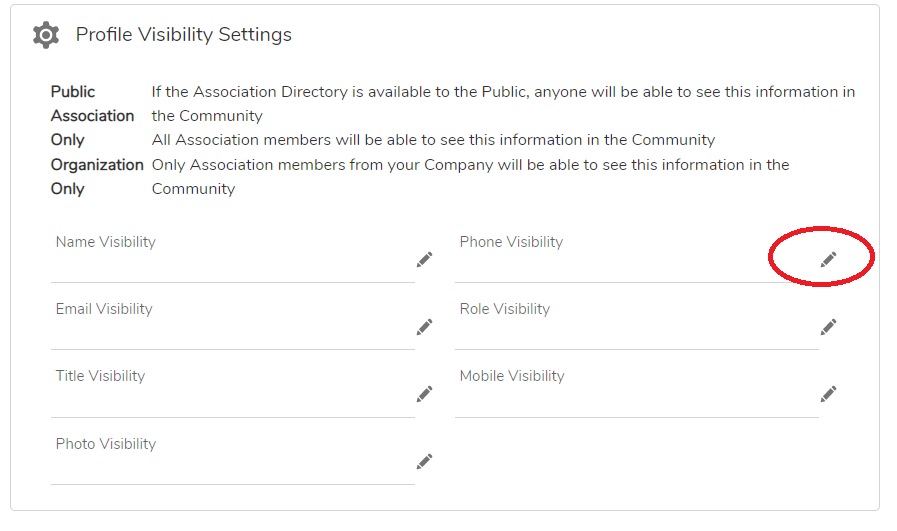
- On your Profile Page, go the Profile Visibility Settings section. Click on one of the pencil icons to begin editing.
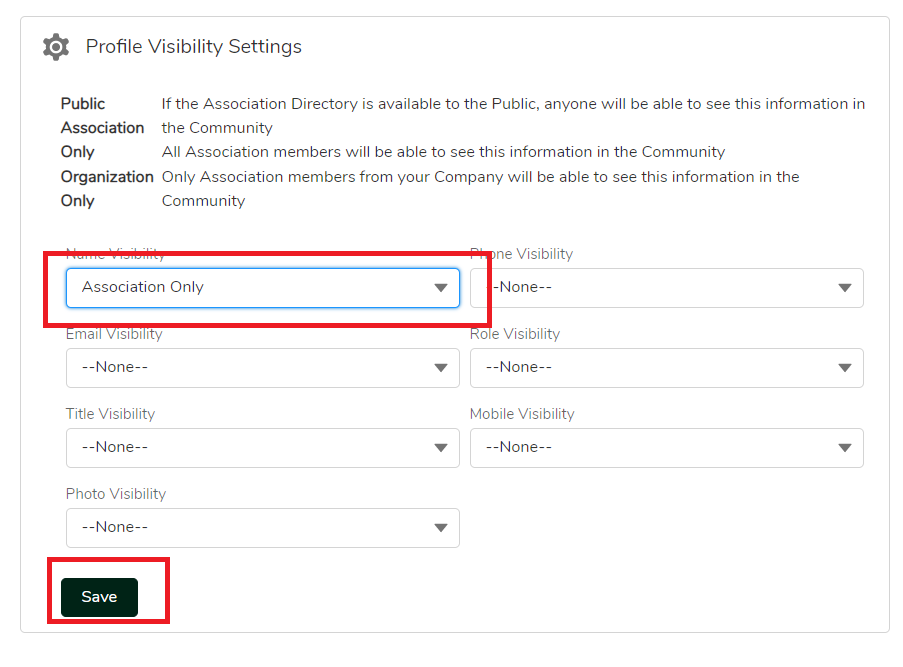
- Make any necessary changes by selecting a new option via the drop-down(s)
- When finished, click “Save”.
How To Update Visibility Settings As A Platform User
About the Author: keinhaus





Leave A Comment