

- Log into the Salesforce Platform.
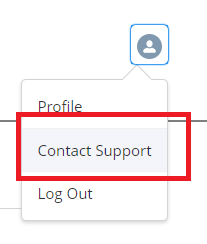
- Click on your profile icon at the top right.
- Click Contact “Contact Support”.
4. Fill out all required fields and if applicable upload a file.
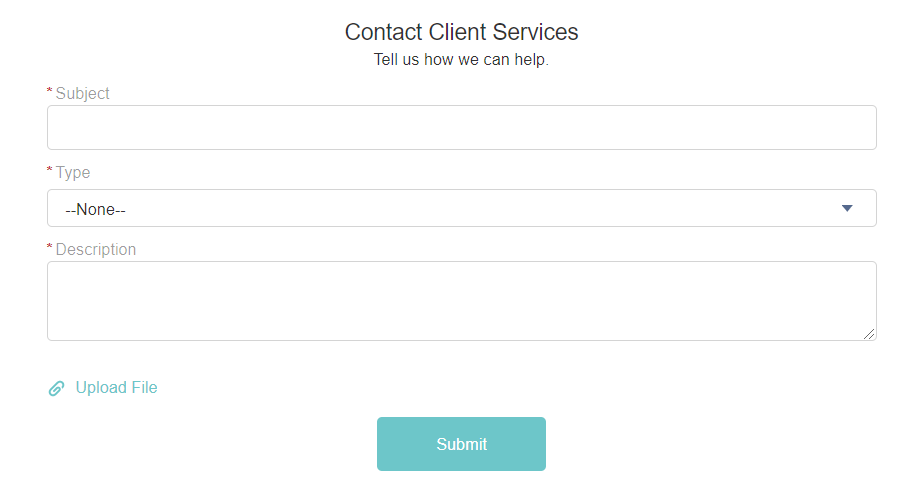
5. When finished, click “Submit”.
6. The page will reload and you’ll get a confirmation message saying that the case was created.
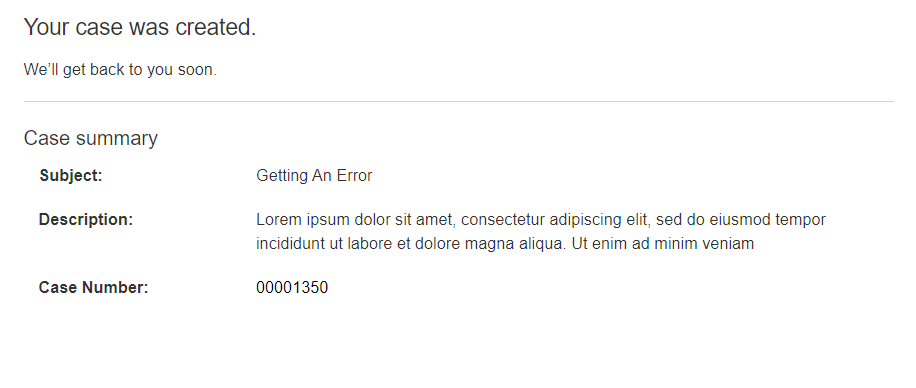
7. If you would like to review the case, click on the case number on the page.





Leave A Comment